How to Add an Interactive AI Avatar to Your Website
2026/6/17
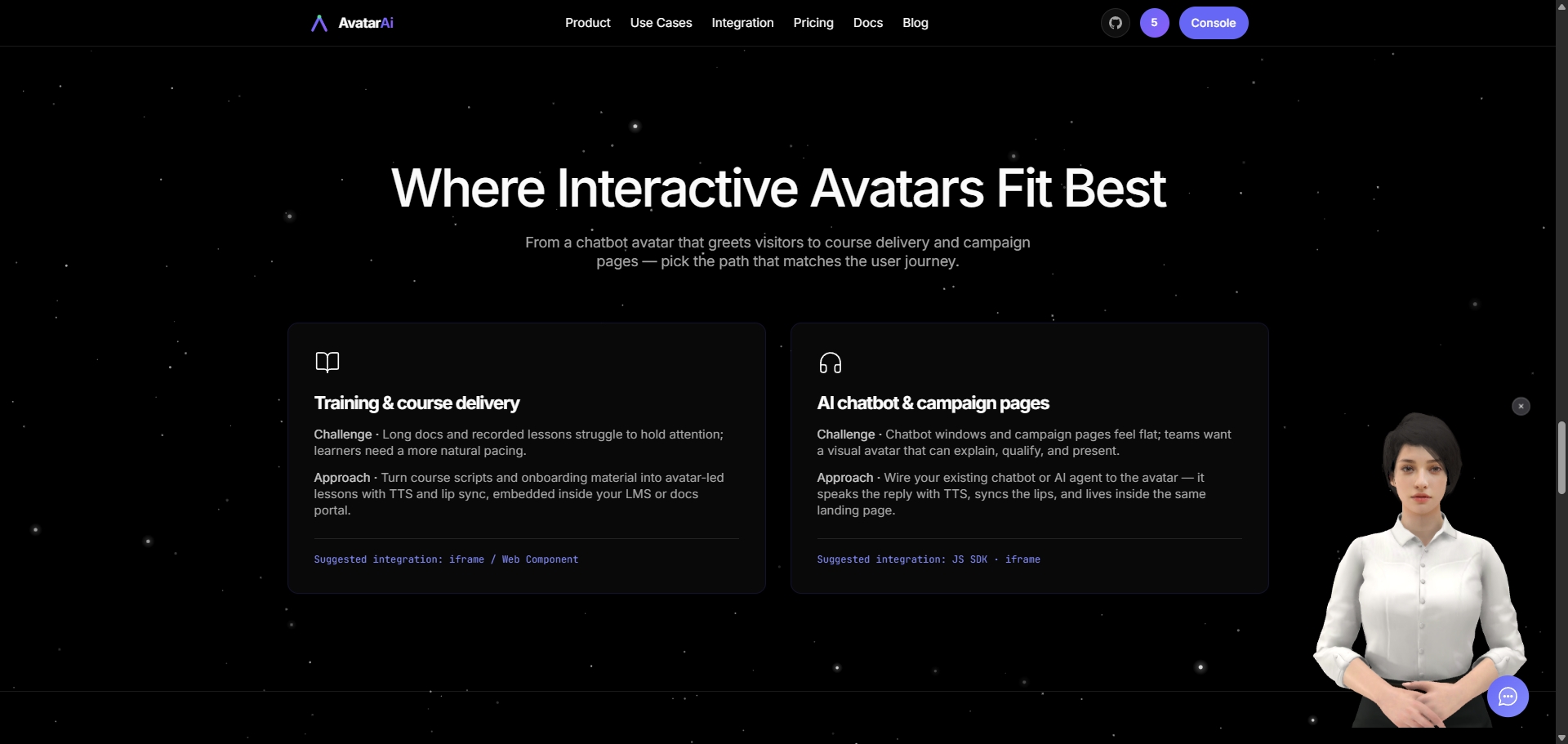
An interactive AI avatar turns a flat webpage into a face-to-face conversation. Instead of reading a wall of text or typing into a plain chat box, your visitors talk to a real-time, lip-synced character that answers out loud. This guide shows what an interactive avatar actually is, where it pays off, and how to add one to your website in a few minutes with Avatar AI SDK.
What is an interactive AI avatar?
An interactive AI avatar is a talking, animated character embedded on your page that can listen, speak, and respond in real time. The good ones combine three layers:
- A face — a 3D avatar that renders in the browser, no plugin or app install.
- A voice — text-to-speech (TTS) so replies are spoken, not just printed.
- Lip sync — mouth movement that matches the audio, so it feels alive instead of robotic.
The important distinction: the avatar is the presentation layer. It renders, speaks, and animates. The "brain" — the language model that decides what to say — can be your own. That separation is what makes avatars safe to adopt for real products.
Why add one to your website?
- Higher engagement. A character that greets and responds holds attention far longer than static copy.
- Always-on support. Answer common questions, qualify leads, and guide users 24/7 without a live agent.
- Accessibility. Spoken answers help users who skim, who are multitasking, or who simply prefer audio.
- Memorable demos and campaigns. A talking avatar on a landing page is a differentiator that visitors remember.
Common placements: support widgets, product demos, marketing and campaign pages, onboarding flows, and interactive FAQs.
How to add an interactive avatar to your website
Avatar AI SDK gives you three ways to embed, from zero-code to fully programmable:
| Method | Best for | Effort |
|---|---|---|
| iframe embed | Static sites, a CMS, articles, campaign pages | Lowest — paste one tag |
| Web Component | Brand sites and long-lived product pages that need layout control | Low |
| JavaScript SDK | Custom UI, events, and connecting your own chatbot or AI agent | Full control |
For most teams, the JavaScript SDK is the sweet spot: a few lines of code, but with hooks into the conversation. Here is a complete example:
<script type="module" src="https://embed.avataraisdk.com/sdk.js"></script>
<script type="module">
  const widget = AIAvatar.init({
    agentId: 'agent_xxxxxxxxxxxx',
    apiKey: 'YOUR_API_KEY',
    behavior: { llmMode: 'external' },

    // Route A: your LLM returns text, we do TTS + lip-sync
    onUserInput: async (msg) => {
      const reply = await myCustomerLLM(msg.content);
      widget.replyText(reply);
    },
  });
</script>
That is the whole integration. The visitor speaks or types, the message arrives in onUserInput, your model produces the answer, and you hand the text back with widget.replyText(). The avatar handles the voice and the lip sync.
Bring your own brain (and keep your data)
Notice llmMode: 'external' above. This is the key design choice in Avatar AI SDK: we do not force you to use our language model. You connect your existing chatbot, RAG pipeline, or AI agent, and we render the result as a talking avatar.
Why that matters:
- Your data stays yours. Conversation logic and knowledge base run on your side; we only receive the text to speak.
- No model lock-in. Swap or upgrade your LLM anytime — the avatar layer never changes.
- Compliance-friendly. Teams with strict data requirements keep full control of the brain.
If you just want to try it quickly, you can also start with a managed demo brain and switch to your own later.
What you can measure
Every reply has a cost you can see. In the console you can track TTS characters and lip-sync duration, so usage stays predictable as traffic grows. You launch through whichever method fits — iframe, Web Component, or JavaScript SDK — and monitor everything in one place.
Get started
Adding an interactive AI avatar no longer means a custom 3D pipeline or a months-long project. Drop in a script, connect your brain, and your website starts talking back.
- See the integration options and code in the documentation.
- Compare usage-based plans on the pricing page.
Ready to see it live? Try the interactive avatar on our homepage and imagine it answering your visitors.